


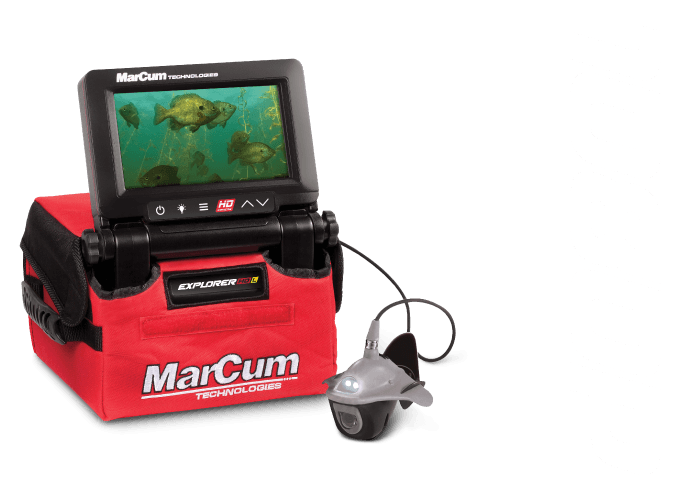




CHanging The Game
in Ice Fishing ELECTRONICs
CHanging The Game
in Ice Fishing ELECTRONICs
Show Your Loyalty with Latest MarCum Apparel.
Show Your Loyalty with Latest MarCum Apparel.
Now, for the 2023 ice fishing season, MarCum raises the bar once again, introducing two new models that cater to different angler preferences and budgets.

Earliest vs. Early Ice for Panfish Deer season is nearly behind most of us, and thoughts of ice fishing get…
The standout feature of MarCum’s Lithium batteries is their lithium chemistry, which sets them apart from the competition. Not all lithium batteries are created equal, and MarCum’s line of Lithium batteries showcases a chemistry type, with its own unique advantages. Lithium Iron Phosphate (LiFePO4) is the ice anglers ideal chemistry, which strikes a balance between weight, cold weather performance, and charge cycle longevity.
Designed with meticulous attention to detail, the Lithium Roamer Shuttle is poised to set a new standard in ice fishing equipment. Its elevated height profile brings the control dial within close reach, allowing for swift and precise adjustments. The result is an unparalleled user experience that enhances the angler’s ability to adapt quickly to changing conditions
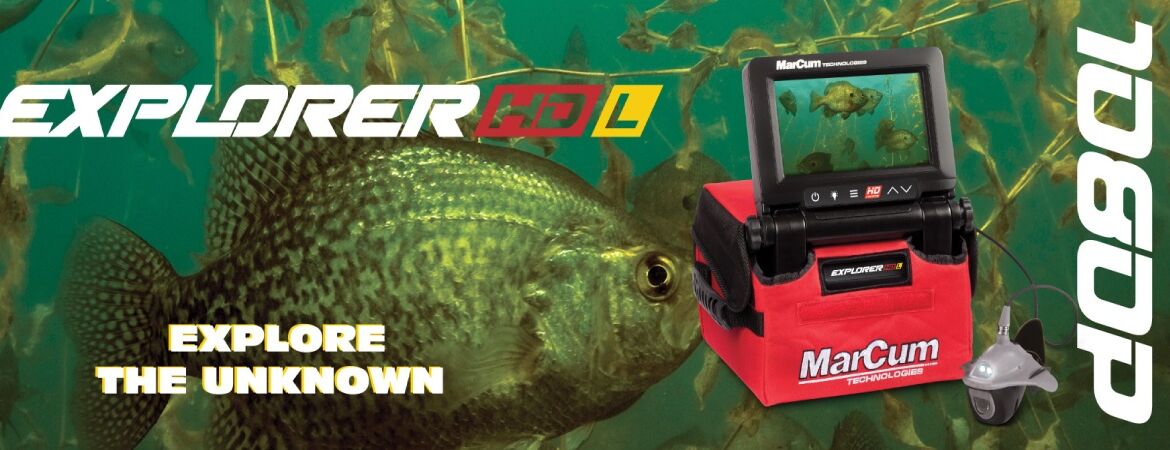
Combining the culmination of 20 years of excellence, the Explorer HD L stands as a testament to MarCum’s commitment to providing cutting-edge technology to anglers across the spectrum. This new addition cements MarCum’s industry-leading status in underwater viewing systems by seamlessly integrating superior quality and unparalleled performance.
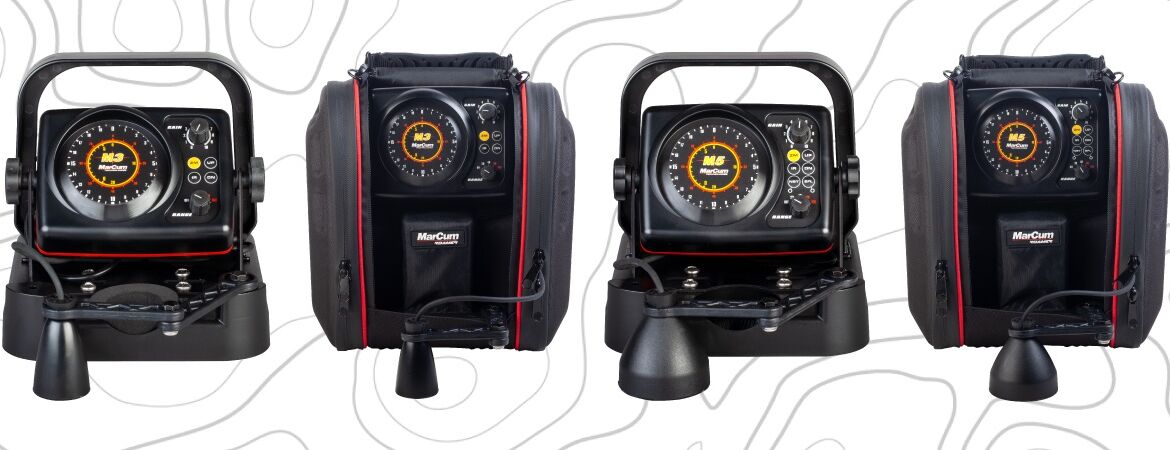
Highly anticipated expanded lineup of Sonar Flasher Ice Fishing Systems for the upcoming 2023 ice fishing season. Building on its legacy of groundbreaking technology, MarCum introduces two new models, built on the foundation of proven performance of the M3 and M5, designed to provide anglers with unparalleled sonar performance and the ultimate edge on the ice.